In today’s digital world, having a website is not enough to build a strong online presence. Businesses, brands, creators and professionals also need to maintain consistent and trustworthy Social Media Profiles across platforms such as Facebook, Instagram, LinkedIn, YouTube and X. But have you ever wondered how Google recognises your official social accounts and connects them with your website?
Many businesses focus on website rankings, keywords and backlinks but overlook the importance of their social media presence in building brand recognition. Understanding how Google identifies your official online presence can help improve brand credibility, support your digital marketing strategy and strengthen your overall Google SEO efforts.
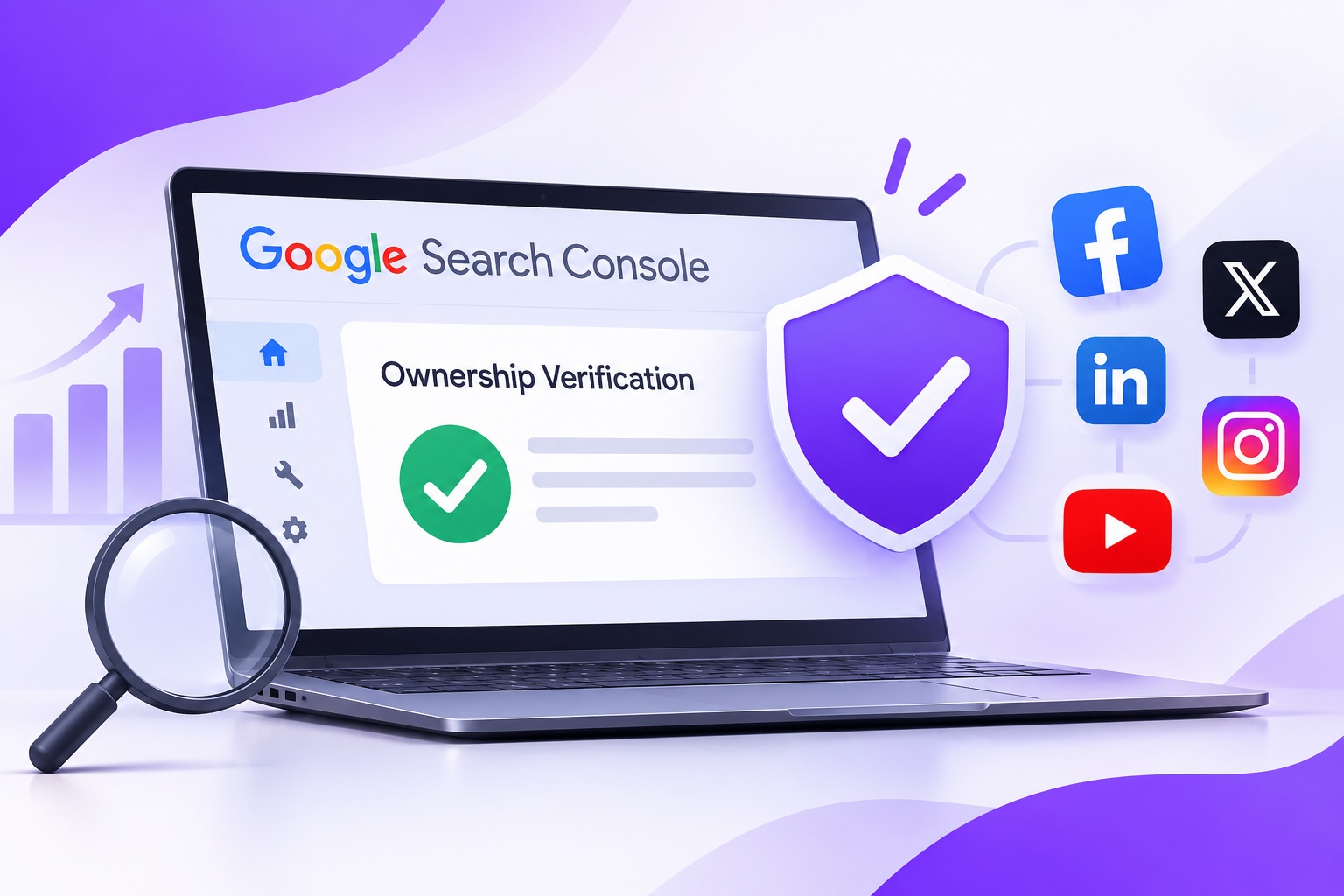
If you are wondering whether your social profiles are verified in Google Search Console, it is important to understand the difference between website ownership verification, social profile verification and Google’s Knowledge Panel.
What is Google Search Console and How Does Verification Work?
Google Search Console is a free tool that helps website owners, SEO professionals, and digital marketers monitor how their websites perform in Google Search. It provides useful information about search impressions, clicks, indexing status, search queries, technical issues, and website visibility.
When you verify a website in Google Search Console, you confirm that you have ownership or authorised access to manage that website. Google offers different verification methods, including HTML file uploads, HTML tags, DNS records, and Google Analytics or Google Tag Manager verification. However, this process does not automatically verify your Facebook, Instagram, LinkedIn or other social media accounts.
Website verification and Social Profile Verification are two different processes. Google Search Console helps you understand your website’s search performance, while Google’s other services and features help eligible individuals and organisations establish and manage their identity across Google Search.
Why is Social Profile Verification Important?
Your social media accounts represent your brand across different digital platforms. When customers search for your business, they may discover your website, social media pages, business information, reviews, and other online references.
Having consistent and identifiable social accounts helps customers recognise your official brand presence. It also makes it easier for search engines to understand the connections between your website and other online properties.
Here are some important reasons to pay attention to Social Profile Verification:
1. Build Brand Credibility
Customers are more likely to trust a business when they can identify its official website and social media accounts. Consistent branding, profile images, business descriptions, and contact information help establish a recognisable online identity.
2. Improve Online Brand Visibility
Maintaining active social accounts gives your audience more opportunities to discover your business. Your website and social channels can work together to create a stronger digital presence.
3. Establish a Consistent Brand Identity
Using the same business name, logo, website address, and contact details across different platforms helps maintain consistency. This can also help Google understand which online profiles are associated with your organisation.
4. Strengthen Your Digital Marketing Strategy
Social media platforms provide additional channels for sharing articles, services, products and business updates. A well-planned social media strategy can generate referral traffic, audience engagement and brand awareness.
What is Google’s Search Profile Feature?
Google introduced Search Profiles in 2026 to help eligible creators, publishers and organisations bring their online content together in one place. A Google Search Profile is a shareable page that can connect your social media accounts, website, videos, posts and other online content. It provides a central destination where audiences can discover your work and follow your online presence.
After claiming an eligible Search Profile, users can customise their profile, link supported platforms, highlight selected posts, and manage certain profile details.
Google’s Search Profile feature is particularly useful because it brings content from different platforms together. It can also enhance the information displayed in an eligible user’s Google Knowledge Panel.
According to Google’s eligibility information, Search Profiles are available to qualifying creators, publishers and organisations with at least 10,000 followers on one supported platform, including Instagram, TikTok, YouTube or X. Availability and eligibility requirements should always be checked against Google’s latest guidance.
For eligible users in India, this offers another opportunity to establish a more connected presence on Google Search.
How to Connect Your Social Media Profiles with Google?
If you want to improve the connection between your website and social media accounts, follow these practical steps.
Step 1: Verify Your Website in Google Search Console
Start by adding your website to Google Search Console. Complete the ownership verification process using an available verification method. Once verified, you can monitor website indexing, search performance, and technical issues.
Step 2: Maintain Official Social Media Accounts
Create and maintain professional accounts on relevant platforms such as Facebook, Instagram, LinkedIn, YouTube, and X. Use consistent business information, profile images, brand names and website links.
Step 3: Add Social Profile Links to Your Website
Include your official social media URLs on your website. You can place them in your website header, footer, contact page, and About Us section. Make sure every link points to the correct official account. Avoid using outdated or duplicate profile URLs.
Step 4: Implement Organization Schema Markup
Structured data helps Google understand important information about your organisation. You can use the Organization schema and its sameAs property to identify your official social media profiles and other relevant online references.
For example, your website’s structured data can connect your organisation with its official LinkedIn, Facebook, Instagram and YouTube pages. However, adding schema markup does not guarantee that Google will display a Knowledge Panel or special search result.
Step 5: Claim Your Google Search Profile If Eligible
If you meet Google’s eligibility requirements, search for your name or brand to check whether a Search Profile is available. Follow Google’s claiming and account-linking process to establish ownership and connect your supported platforms.
Once claimed, you can manage relevant profile details and highlight selected content.
What is a Google Knowledge Panel?
A Google Knowledge Panel is an information box that may appear in Google Search when someone searches for a recognised person, organisation, business or other entity.
It can display information such as the organisation’s name, website, logo, social media links and other relevant details.
For businesses and brands, establishing a consistent online identity can help Google understand their official presence. Google collects information from different sources across the web to build and update Knowledge Panels.
You can also provide Google with accurate information through structured data, your official website and relevant Google verification processes.
It is important to remember that a Knowledge Panel is not guaranteed simply because you have verified your website or added social media links.
How Social Media Integration Supports Google SEO?
Although social media links are not a direct Google ranking factor, integrating your social accounts with your website can support your broader digital marketing strategy.
A strong Social Media Integration strategy helps connect your website content with your social audiences. For example, when you publish a blog, you can share it on LinkedIn, Facebook, and other relevant platforms to increase its reach.
This can help more people discover your content, visit your website, and become familiar with your brand.
Here are some practical ways to improve Social Media SEO:
- Add accurate and consistent social media links to your website.
- Use the same brand name and logo across relevant platforms.
- Share useful website content through your social accounts.
- Keep your business descriptions and contact information updated.
- Implement relevant Organization and ProfilePage structured data.
- Publish original content that provides value to your target audience.
- Monitor website performance through Google Search Console.
These activities help create a more connected online presence and improve opportunities for customers to discover your brand.
How to Monitor Your Google Search Visibility?
Once your website and social media strategy are properly established, monitoring performance becomes essential.
Use Google Search Console to understand which search queries bring visitors to your website. Review clicks, impressions, average positions, and indexing reports to identify opportunities for improvement. You should also monitor your Social Profiles engagement, referral traffic, and the performance of your published content.
For eligible Search Profile users, Google provides profile insights that can include content clicks, impressions and audience reach. Optimising your Social Profiles and tracking their performance separately from website metrics gives you a broader understanding of your online presence.
Strengthen Your Online Presence with Better Social Media SEO
Your website and social media accounts should work together rather than operate as completely separate marketing channels. Maintaining accurate business information, connecting official profiles, implementing structured data, and monitoring website performance can help establish a consistent digital identity.
While Google Search Console does not directly verify individual social media accounts, it remains an essential tool for monitoring your website’s visibility in search results. Google’s Search Profiles and Knowledge Panel features provide additional ways for eligible brands and creators to manage how their online presence is represented.
If you have not reviewed your social profile links, website verification and structured data recently, now is a good time to do so. A well-connected digital presence can make it easier for customers to find, recognise and engage with your brand.
Turn Your Online Presence into Business Growth! Let our experts help you build brand authority and improve visibility across search engines and social platforms.
Schedule a free consultation Call!
Frequently Asked Questions
1. Can I verify my social media profiles through Google Search Console?
No. Google Search Console verifies ownership of websites, not individual social media accounts. However, eligible creators and publishers can use Google's Search Profile feature to connect supported social platforms and manage their presence on Google Search.
2. How can I make my social media profiles appear on Google Search?
Maintain public and active social media accounts, use consistent brand information, link your official profiles from your website and publish relevant content. Google may display these profiles in search results or a Knowledge Panel when it can establish the connection.
3. What is a Google Knowledge Panel?
A Google Knowledge Panel is an information box that appears in some Google Search results. It can display details about a recognised business, organisation or individual, including its website, social media links and other relevant information.
4. Does adding social media links improve Google SEO?
Social media links are not a direct Google ranking factor. However, sharing useful content, building brand awareness and attracting referral traffic can support your wider SEO and digital marketing strategy.
5. What is Google's Search Profile feature?
Google Search Profiles allow eligible creators, publishers and organisations to bring their website, social media accounts, posts and other content together in one shareable profile. Users can claim eligible profiles and manage their online presence through Google.