Having a website is not enough to attract potential customers if your pages are not appearing in Google search results. If your website is receiving little organic traffic, struggling to reach the first page, or losing visibility, several SEO issues could be affecting its performance. Understanding these problems is the first step towards improving your Google ranking and attracting the right audience.
There are many reasons why a website may not rank well, including poor keyword targeting, technical errors, slow loading speeds, weak content and a lack of relevant backlinks. The good news is that most of these problems can be identified and addressed with a structured SEO strategy.
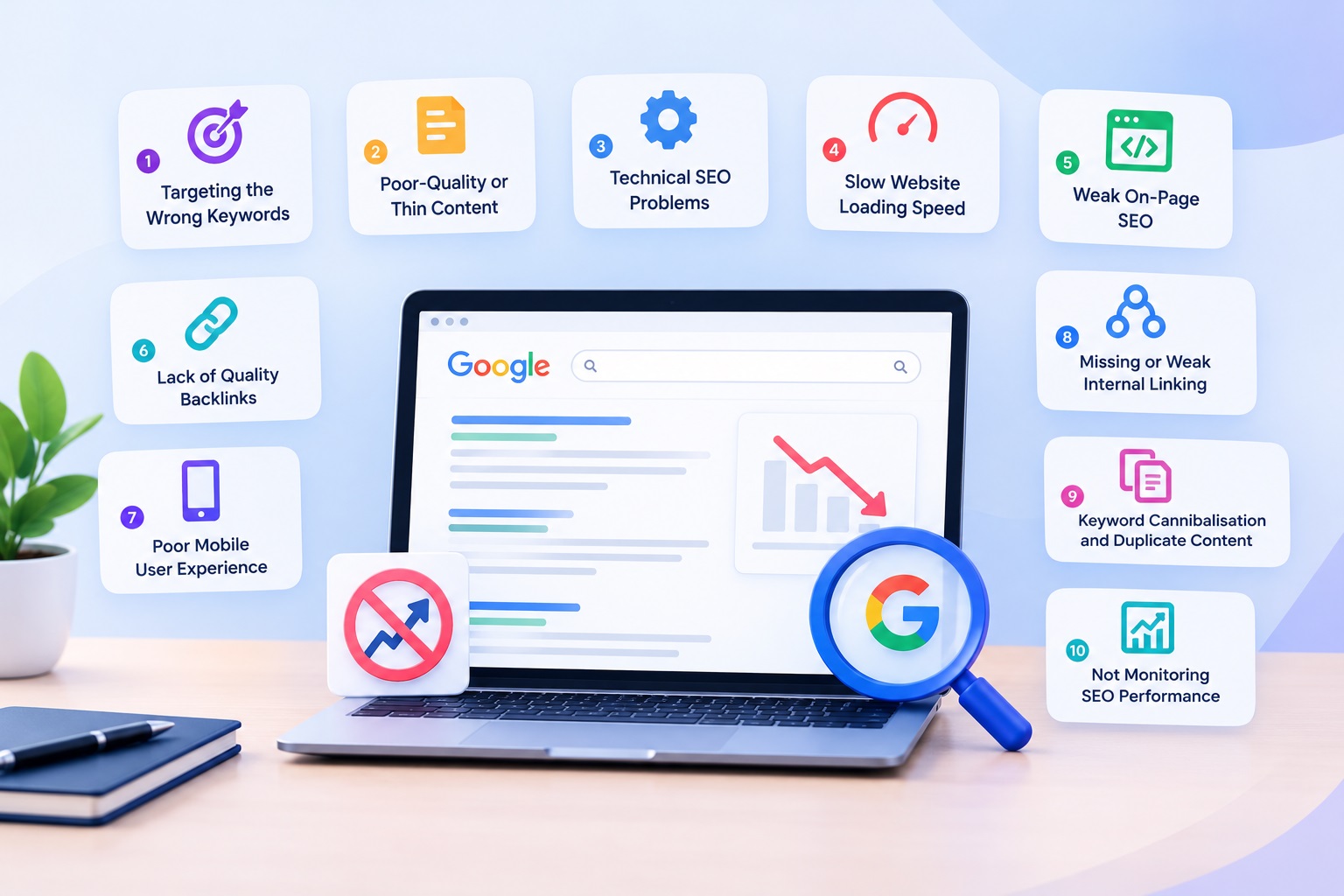
In this guide, we explore 10 common SEO issues that affect Google rankings and explain how to fix them to improve your website’s search visibility.
1. Targeting the Wrong Keywords
One of the most common reasons a website is not ranking is targeting keywords that do not match what users are searching for. If your content focuses on broad, highly competitive terms, it may struggle to compete against established websites.
Effective website SEO starts with understanding search intent. Consider whether users want information, product comparisons, local services or a specific solution before selecting keywords.
How to fix it: Research relevant keywords using Google Search Console and keyword research tools. Focus on relevant long-tail keywords that reflect your audience’s needs. Create useful pages around specific search queries rather than targeting the same keyword across multiple pages.
2. Poor-Quality or Thin Content
Google aims to provide users with helpful, relevant and reliable information. Pages containing limited information, repetitive text or content that does not answer users’ questions may struggle to perform well.
Publishing multiple articles on similar topics without adding meaningful value can also make it harder for search engines and visitors to understand what your website offers.
How to fix it: Create original, informative content that answers the user’s question thoroughly. Use clear headings, practical examples and relevant supporting information. Update outdated pages and remove unnecessary repetition. Prioritise content quality over publishing a large number of articles.
3. Technical SEO Problems
Technical SEO helps search engines discover, crawl and understand your website. Even well-written content may not appear in search results if important pages cannot be crawled or indexed.
Technical SEO issues that hurt website rankings can include incorrect robots.txt directives, accidental noindex tags, broken internal links, redirect errors and missing XML sitemaps.
How to fix it: Use Google Search Console to inspect affected URLs and review indexing reports. Submit an accurate XML sitemap, check your robots.txt file and ensure important pages can be crawled and indexed. Fix broken links and redirect errors, and verify that your canonical tags point to the correct URLs.
4. Slow Website Loading Speed
Website speed affects user experience and is one of the areas to consider when investigating poor search performance. Visitors may leave if pages take too long to load, particularly on mobile devices or slower connections.
Large images, unnecessary plugins, excessive scripts and poor hosting performance can all contribute to slow loading times.
How to fix it: Compress images, use modern image formats such as WebP, enable caching and reduce unnecessary scripts. Consider reliable hosting and test important pages using Google PageSpeed Insights. Review Core Web Vitals to identify opportunities to improve loading performance, responsiveness and visual stability.
5. Weak On-Page SEO
On-page SEO helps search engines understand the topic and purpose of each page. Missing title tags, unclear headings, poorly written meta descriptions and irrelevant internal links can weaken your page’s relevance and usability.
Keyword stuffing is another common mistake. Repeating the same phrase excessively does not guarantee better Google SEO performance and can make content difficult to read.
How to fix it: Write descriptive page titles, compelling meta descriptions and clear H1 and H2 headings. Include your target keywords naturally in the content where relevant. Add meaningful internal links and descriptive image alt text. Ensure every important page has a clear purpose and provides value to visitors.
6. Lack of Quality Backlinks
Backlinks are links from other websites to your website. Relevant, trustworthy backlinks can help search engines understand your site’s reputation and authority.
If your competitors have stronger backlink profiles and more established reputations, they may have an advantage for competitive search queries. However, the number of backlinks alone does not determine search engine rankings.
How to fix it: Publish useful resources that other websites may want to reference. Build relationships with relevant publications, contribute expert insights and earn links through genuine partnerships. Avoid buying spammy links or participating in manipulative link schemes, as these can put your website at risk.
7. Poor Mobile User Experience
Many people browse and search for services using mobile devices. If your website is difficult to navigate on a smartphone, has overlapping text or contains buttons that are hard to use, visitors may struggle to find the information they need.
Mobile usability is an important part of website optimisation and should be considered alongside content quality and technical performance.
How to fix it: Use a responsive design that adapts to different screen sizes. Check font readability, spacing, navigation menus, forms and buttons on mobile devices. Ensure important content is accessible and that intrusive pop-ups do not prevent users from viewing the page.
8. Missing or Weak Internal Linking
Internal links connect related pages on your website. Without a clear linking structure, users may find it difficult to explore relevant information, and search engines may have trouble discovering some pages.
Important service pages and blog posts can also receive less visibility within your website when they are isolated from other relevant content.
How to fix it: Link related blog articles to relevant service pages and connect supporting articles to broader topic pages. Use descriptive anchor text that explains what visitors can expect. Review your website regularly to identify orphan pages and ensure important content can be reached through logical navigation.
9. Keyword Cannibalisation and Duplicate Content
When multiple pages target the same search intent, they may compete for similar queries. This is often called keyword cannibalisation. Duplicate or very similar content can also make it difficult to establish which page should be shown in search results.
These SEO problems do not automatically result in a penalty, but they can create unnecessary competition between your own pages and weaken your content strategy.
How to fix it: Review pages targeting overlapping keywords. Where appropriate, combine similar articles, improve their individual focus or redirect outdated pages to a relevant replacement. Use canonical tags correctly when duplicate URLs need to exist, and ensure each page serves a distinct purpose.
10. Not Monitoring SEO Performance
SEO is an ongoing process. If you are not tracking impressions, clicks, indexing status and keyword performance, it can be difficult to understand why your website is not ranking on Google.
Changes in competition, search intent, website structure and content quality can affect performance over time.
How to fix it: Set up Google Search Console and Google Analytics 4. Monitor organic traffic, search queries, click-through rates and landing-page performance. Investigate pages that receive impressions but few clicks, as well as important pages that are not indexed. Use the findings to prioritise improvements rather than making random changes.
How to Improve Website Rankings on Google
If you want to understand how to improve website rankings on Google, begin with a complete SEO audit. Check technical health, keyword targeting, content quality, mobile usability, internal linking and backlink quality. Fix issues that prevent important pages from being indexed before focusing on smaller optimisation improvements.
When investigating website ranking problems and how to fix them, Google Search Console is a useful starting point. Review the Performance and Indexing reports to identify affected pages and queries. Remember that improvements are not always immediate, and rankings can change depending on competition, search intent and other factors.
Grow Your Website with Webvizion
If your website is struggling to attract organic traffic, professional SEO support can help you identify the issues holding it back. Webvizion provides SEO services designed to improve website performance, strengthen search visibility and attract relevant visitors.
Our approach focuses on technical SEO, keyword research, content optimisation, website structure and sustainable search growth. Rather than relying on shortcuts, we help businesses build a stronger foundation for long-term organic visibility.
Ready to improve your Google rankings? Contact Webvizion to discuss your website’s SEO performance and discover practical ways to improve its visibility in search results.